C# code development with Windows 8 on Mac
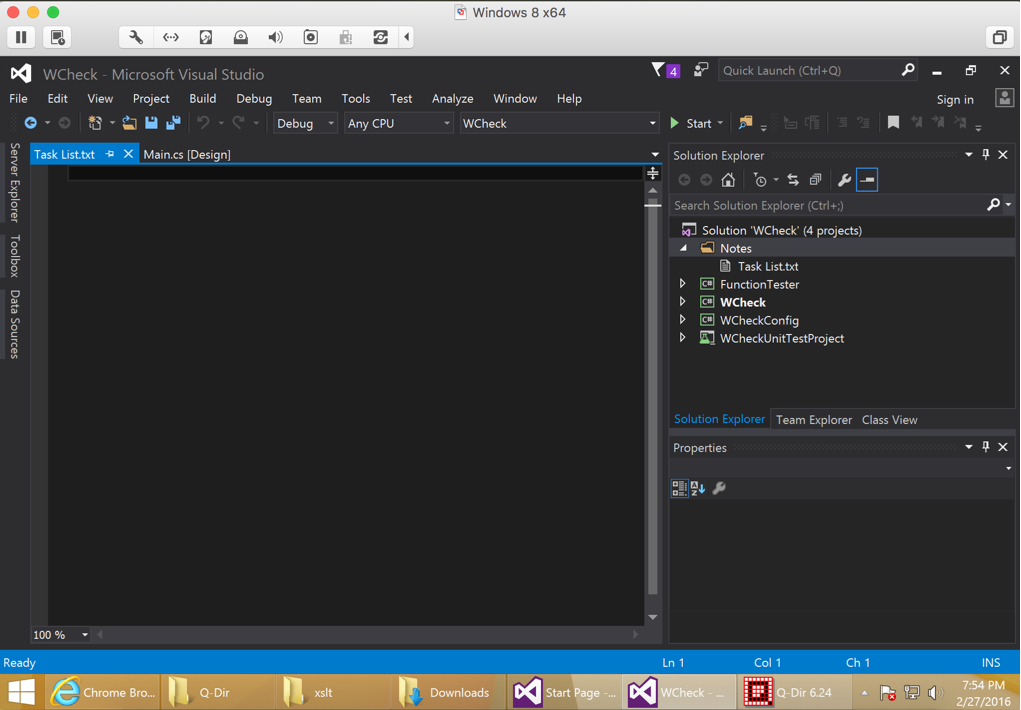
Downloaded VMWare fusion and installed it on my Mac. Created a new virtual machine ( 2 GB RAM and 60 GB HDD) Downloaded and mounted the Windows 8.1 ISO. Mounting ISO is done as follows Click ‘Virtual Machine‘ menu and choose ‘CD/DVD‘ and then click ‘Choose Disc or Disc image‘ After this again click on ‘Virtual… Read More »
You must be logged in to post a comment.