Before I executed the the ‘sudo’ command, I made sure I enabled the ‘sudo’ account ( Google if you don’t know how to do that )
Next I wanted to find the location and version of the java installed in my system.
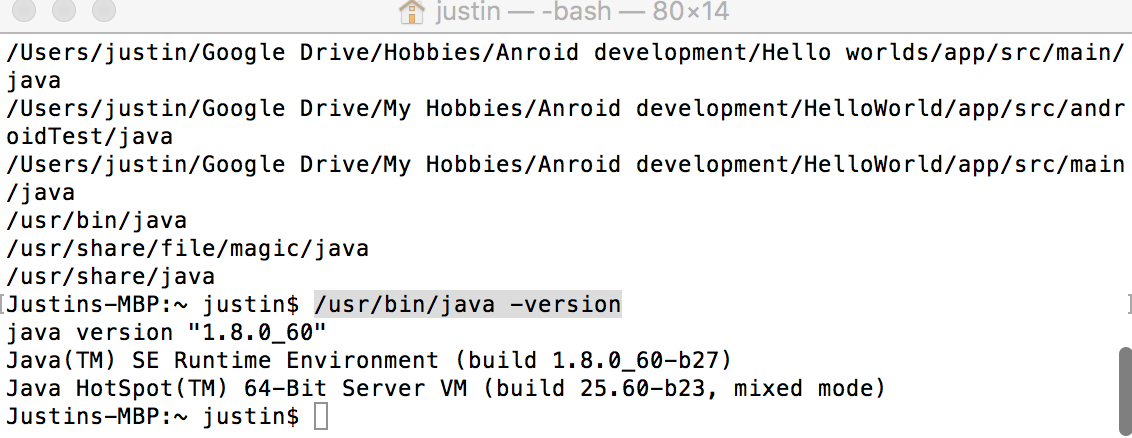
>>sudo find / -name java
It listed several directories, including /usr/bin/java. I proceeded to execute the following command
>>>/usr/bin/java -version
I got the following error,
No Java runtime present, requesting install
Got myself the latest version namely, version 8 (jdk-8u60-macosx-x64.dmg) from the oracle site and installed and ran the ‘version’ command again. File is around 240 MB and the installation took about 3 minutes on my macbook