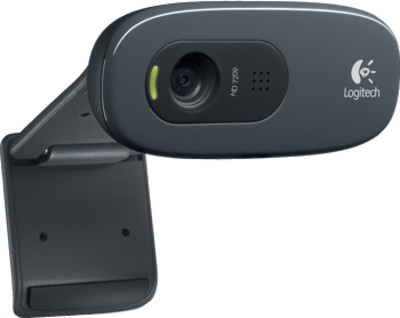
Logitech HD Webcam C270
Connecting my Creative webcam to raspberry pi was much easier than I thought. Here are the 10 easy steps that I followed
- Connected my webcam to one of the free USB ports on the Pi
- Made sure webcam has been detected correctly by issuing the command,
-
ls -l /dev/video* - If you see /dev/video0 in the next line, you are good to go
- Next, issue the following command
-
sudo apt-get install fswebcam - To take your first picture, issue the command
-
fswebcam -d /dev/video0 -r 640x480 test.jpeg - Initially you may get an error ‘gd-jpeg: JPEG library reports unrecoverable error: Not a JPEG file: starts with 0xff 0×80′ . Ignore that, and try it again, and it will work
- If you want to record a movie out of it, check the link – http://www.makeuseof.com/tag/how-to-capture-time-lapse-photography-with-your-raspberry-pi-and-dslr-or-usb-webcam/