Yesterday I tried out my luck again with Linux from scratch. The last time I tried it was, some 6 months back. At that time, i was a bit shy about partitioning and formatting the drive in a particular file system. And therefore I could not proceed much with the Linux from scratch project.
(Note: LFS(Linux from scratch) teaches a user step by step on how to build a complete Linux system from ground up)
But 6 months later after trying out more than 5-6 Linux distributions and of course a lot of partitioning and formatting, I decided to try out LFS again. This time I hit with success.
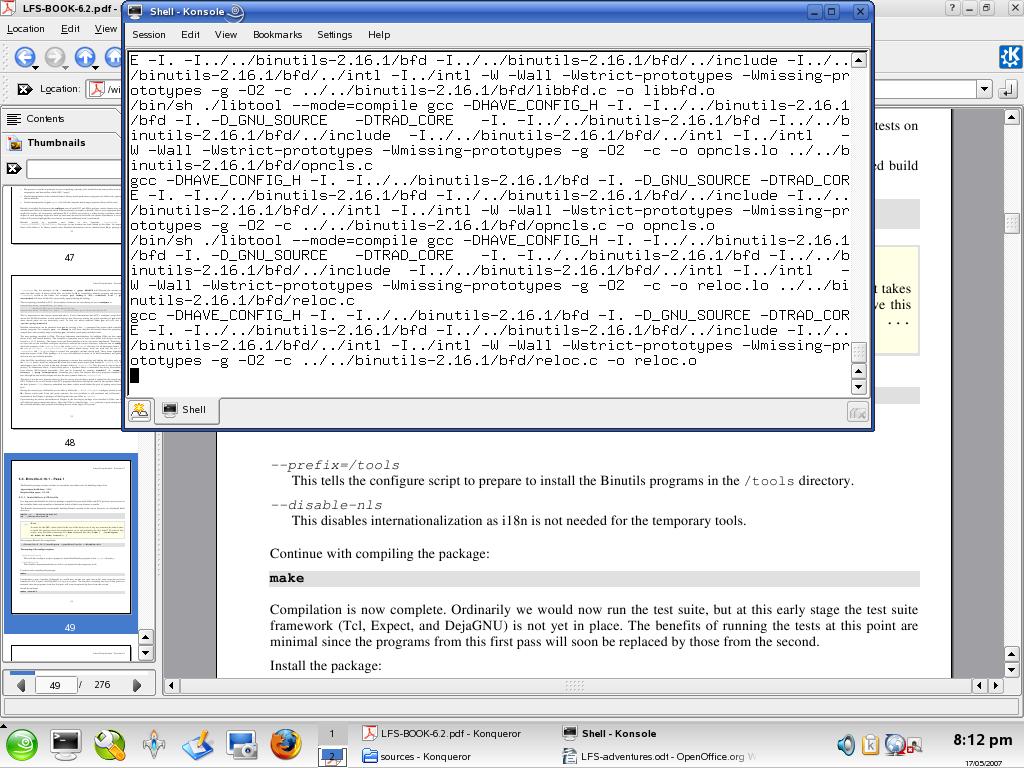
I successfully compiled the binary utilities package(screenshot is attached below)
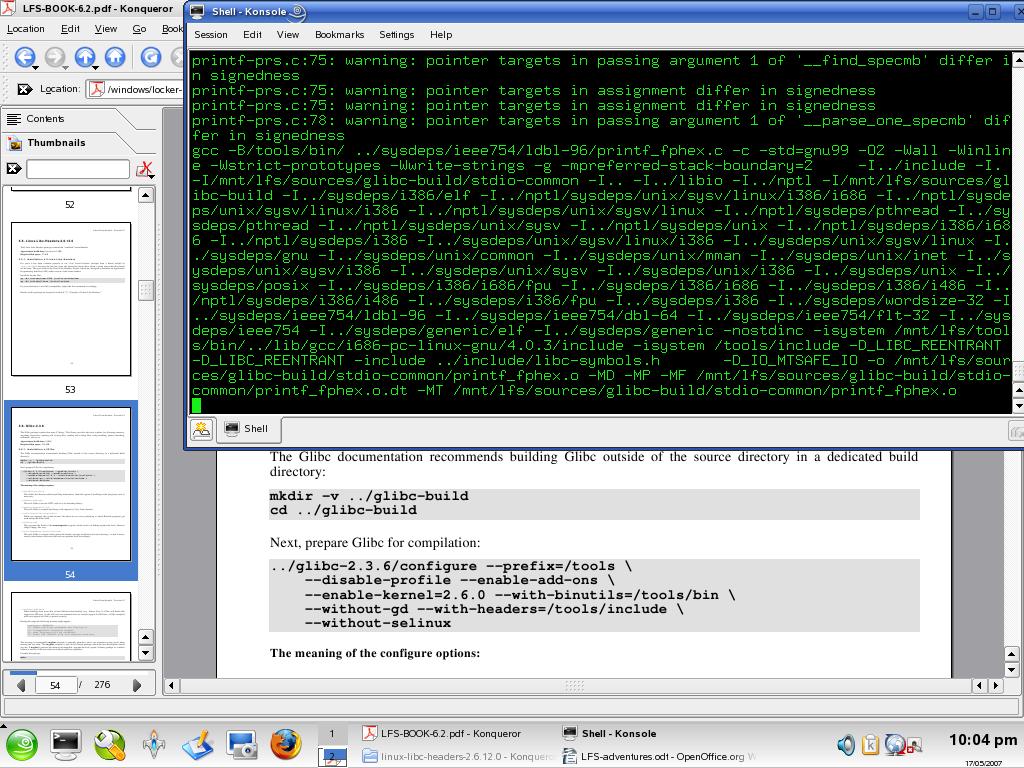
Also the library C compilation( glibC) went on smoothly, screenshot is attached below(I have made the schema ‘green on black’ JUST FOR THE HORROR OF IT !!!!)
But today the great adventure did not proceed further, since I kept on getting the error message
grep: /mnt/lfs/tools/bin/../lib/gcc/i686-pc-linux-gnu/4.0.3/include/ssl: No such file or directory
I checked out the Linux from scratch faq site(http://www.linuxfromscratch.org/faq/) and got this reply. I must try this tomorrow
With the new Ch 5 build procedure, the most common cause of this problem is forgetting to apply the specs patch.
What happens is that the path to the dynamic linker embedded inside the executable is still pointing at /lib/ld-linux.so.2 and when one goes to run the binary inside the chroot where /lib/ld-linux.so.2 does not exist yet, the very unhelpful
No such file or directory error message is shown.
You can test this with
readelf -l {binary} | grep interpreter.
It’s output should be: Requesting program interpreter: /tools/lib/ld-linux.so.2.
So guys, keep your fingers crossed, and lets hope for the best. More updates tomorrow
Yeah and one more thing, today our church priest had called and told me his printer was not working. I immediately went over to the place, checked out the printer and settings and stuff like that and just tightened the power cord and VOILA and printer sprung into action
I also downloaded the latest version of Gaim namely, Pidigin from the pidgin download site – http://www.pidgin.im/pidgin/download
That’s all for today,
bye guys
Pingback: C# development on Mac | Justin